The Two-Factor Code on Your Phone Will Not Stop This
In This Series: Fraud & Digital Security
- Nobody Updates the Router. The FBI Says Criminals Are Living in the Old Ones.
- Your Voice Is No Longer Proof That It Is You
- A Credit Freeze Blocks the Rarer Kind of Identity Theft. Here Is What Blocks the Rest.
- Four Points Identify You. That Is Why Your Location Is Worth Selling.
- Changing Your Password Every 90 Days Made It Easier to Guess. The Standard That Started the Rule Now Says to Stop.
- They Asked 422 Burglars What Made Them Walk Away. The Locks Did Not Come First.
- Romance Scam Victims Were Better Educated Than People Who Never Fell for One. The Newest Version Never Asks for Money.
- The Same Offer Went From 11% Acceptance to 42%. Only the Buttons Changed.
Disclosure: this article contains affiliate links, marked (paid link). If you buy through one we may earn a commission, at no extra cost to you. As an Amazon Associate I earn from qualifying purchases. It costs you nothing and it does not change what we recommend.
Key takeaways · 9 min read
- Reported U.S. fraud losses reached about $16 billion in 2025, with $3.5 billion from imposter scams.
- The attack is almost never broken encryption. It is a convincing copy of something you trust.
- SMS codes can be relayed by a fake page in real time. CISA ranks them last, and they are also the only method vulnerable to SIM swapping.
- Security keys and passkeys are bound to the web address, so they cannot be handed to a lookalike site. That is the property that matters.
Most online security advice is a list of habits: pick strong passwords, do not click suspicious links, be careful. It is the equivalent of telling people to drive carefully instead of fitting seatbelts. It puts the entire burden on a human being being alert at the exact moment somebody is professionally trying to catch them off guard.
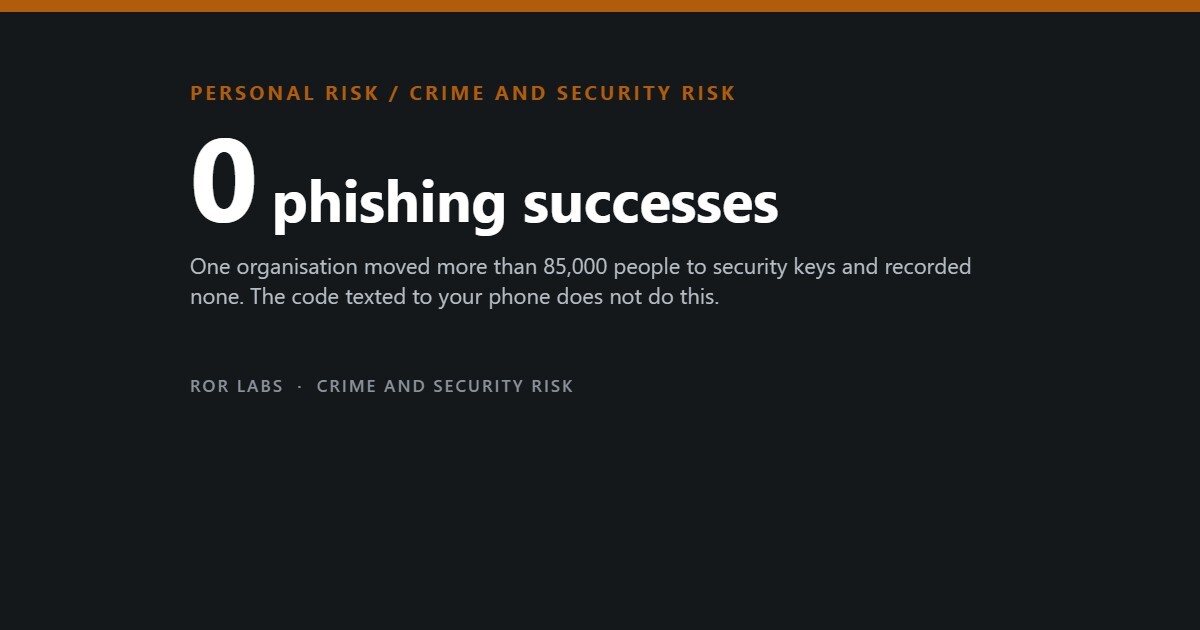
There is a better approach, and it has an unusually clean piece of evidence behind it. One large organisation stopped relying on employees noticing fake login pages, changed the mechanics of how logging in works, and recorded zero successful phishing attacks across more than 85,000 people.
This article is about that mechanism, why the two-factor authentication most people already use does not provide it, and what the fraud numbers say about where the money is actually going.

The scale, and where it moved
Reported U.S. fraud losses, 2025
Federal Trade Commission data, published 15 June 2026. These are only the losses people reported.
Source: Federal Trade Commission, “FTC Data Show People Reported Losing $3.5 Billion to Imposter Scams in 2025,” 15 June 2026.
The word imposter is doing a lot of work there. It means someone contacted you claiming to be your bank, a government agency, a delivery company, or a relative. Not a mysterious hacker breaking encryption — a person or a script pretending to be an institution you already trust, and asking you to do something ordinary.
That matters because it tells you where the defence has to sit. If the attack is “convince a human that this login page is real,” then any defence that depends on the human spotting the fake is defending on the attacker’s home ground.
Why the code texted to your phone does not save you

Almost everyone now has two-factor authentication on something. Most of it is the six-digit code sent by text message. It is far better than nothing, and it is also the weakest option available, for a reason that becomes obvious once you see it.
A code is just information. If a fake page can persuade you to type your password into it, the same page can persuade you to type the code into it, and relay both to the real site within the sixty seconds the code is valid. The code changes nothing about who is standing in the middle.
How U.S. cybersecurity authorities rank the options
CISA’s implementation guidance, October 2022. Phishing resistance is the property that matters.
| Method | Stops phishing? | Stops SIM swap? | CISA position |
|---|---|---|---|
| Security key / passkey (FIDO) | Yes | Not applicable | The gold standard |
| Authenticator app code | No | Yes | Acceptable middle tier |
| Push with number matching | No | Yes | Better than plain push |
| Push, tap to approve | No | Yes | Vulnerable to push bombing |
| SMS or voice code | No | No | Last resort only |
Source: Cybersecurity and Infrastructure Security Agency, “Implementing Phishing-Resistant MFA,” fact sheet, October 2022.
What a security key does differently
A security key — and a passkey, which is the same technology stored on your phone or laptop instead of a separate object — does not send a secret you could be tricked into forwarding. It performs a cryptographic handshake that is bound to the website address.
That binding is the whole trick. Your key registered itself with the real domain. When a lookalike domain asks it to log in, the key does not recognise the address, and it simply will not produce a signature. There is nothing for you to notice, no judgement call to make and no way to be persuaded. The check happens below the level where persuasion works.
Where each method breaks — and where the key does not
The same attack, run against two setups.
Source: mechanism as described in CISA, “Implementing Phishing-Resistant MFA” (2022); FIDO Alliance technical documentation.
The deployment result that made this the recommendation
Google required physical security keys for all staff.
Source: FIDO Alliance, Google case study (published 28 January 2019; deployment from around 2017).
The accounts that are worth protecting first
You do not need to do this to every account, and trying to would be a good way to give up. Almost all of the damage flows through a small number of accounts, because they are the ones that can reset the others.
Protect these four, in this order
Ranked by how much else falls over if this one is taken.
Sources: account-recovery dependency structure described in CISA consumer guidance (cisa.gov/MFA); FTC imposter scam reporting (2026).
Notice how much of that list is free. Turning on a passkey costs nothing. Asking your mobile carrier to lock your number against transfer costs nothing and takes one phone call. Those two moves address more risk than any purchase in this article.
Passkeys are the same protection without the shopping
A physical key is not the only way to get phishing resistance any more. A passkey is the identical cryptographic mechanism, with the secret stored on a phone or computer and unlocked by a fingerprint, face or device PIN. It is built into current iPhones, Android phones, Macs and Windows machines, and a growing number of banks, email providers and shops accept it.
Passkey or physical key?
Same protection, different trade-offs.
Source: FIDO Alliance specifications; CISA phishing-resistant MFA guidance (2022).
If you want the physical version (paid link)
Only after the free steps above. Buy two — one to use, one stored elsewhere as a backup.
Browse on Amazon →
Browse on Amazon →
We are not linking antivirus subscriptions, “identity theft protection” services, or VPNs here. None of them prevent the attack described in this article — a person typing a real password into a convincing fake page — and bundling them into a piece about phishing would blur a distinction that matters. Two free actions (a passkey, and a port-out lock on your phone number) outperform all of them for this specific risk.

Questions people ask
What if I lose the key, or my phone?
This is the correct thing to worry about, and it is why every account offers backup options. Register a second key, save the recovery codes on paper somewhere physical, and keep one alternative method enabled. Passkeys that sync through your Apple or Google account survive a lost phone automatically.
Is a password manager still worth it?
Yes, for a different problem. Phishing resistance stops someone using your password on a fake page; a password manager stops one breached site’s password unlocking twenty others. They solve different failures and both are worth having. Most now store passkeys as well.
My bank only offers SMS codes. What can I do?
Then use them — SMS is far better than nothing, and CISA says so explicitly while ranking it last. Do the things you can control: a port-out lock with your carrier closes the SIM-swap route, and protecting the email account attached to the bank closes the reset route.
Someone called saying they were from my bank’s fraud team. How do I know?
You cannot, from the call itself — caller ID is trivially faked, and this is the single largest imposter category in the FTC data. The rule that always works: hang up and call back on the number printed on your card or on the bank’s official website. A real fraud department will never object. Nobody legitimate needs you to move money to a “safe account”, and that phrase is close to diagnostic of a scam.
The short version
- Reported U.S. fraud losses reached about $16 billion in 2025, with $3.5 billion from imposter scams.
- The attack is almost never broken encryption. It is a convincing copy of something you trust.
- SMS codes can be relayed by a fake page in real time. CISA ranks them last, and they are also the only method vulnerable to SIM swapping.
- Security keys and passkeys are bound to the web address, so they cannot be handed to a lookalike site. That is the property that matters.
- Google recorded zero successful phishing attacks across 85,000+ staff after requiring physical keys.
- Protect email first — it can reset almost everything else — then your phone account, then banking.
- The two highest-value actions are free: turn on passkeys, and ask your carrier for a port-out lock.
- For phone calls: hang up and dial the number on your card. Always available, always works.
On the links above: some are affiliate links, marked (paid link). If you buy through one we may earn a commission at no additional cost to you. As an Amazon Associate I earn from qualifying purchases. We link to product searches rather than specific items so recommendations do not break as models change, and we say plainly when we are choosing not to link something. Full policy: Affiliate Disclosure.
Sources
- Federal Trade Commission. “FTC Data Show People Reported Losing $3.5 Billion to Imposter Scams in 2025.” Press release, 15 June 2026.
- Cybersecurity and Infrastructure Security Agency. “Implementing Phishing-Resistant MFA.” Fact sheet, October 2022.
- Cybersecurity and Infrastructure Security Agency. “More than a Password” (cisa.gov/MFA).
- FIDO Alliance. Google case study on security key deployment, 28 January 2019.